My name is Morgan and this is my digital portfolio! This is where I put my finished work for my data classes such as exploring multimedia, tech apps, and my core classes.
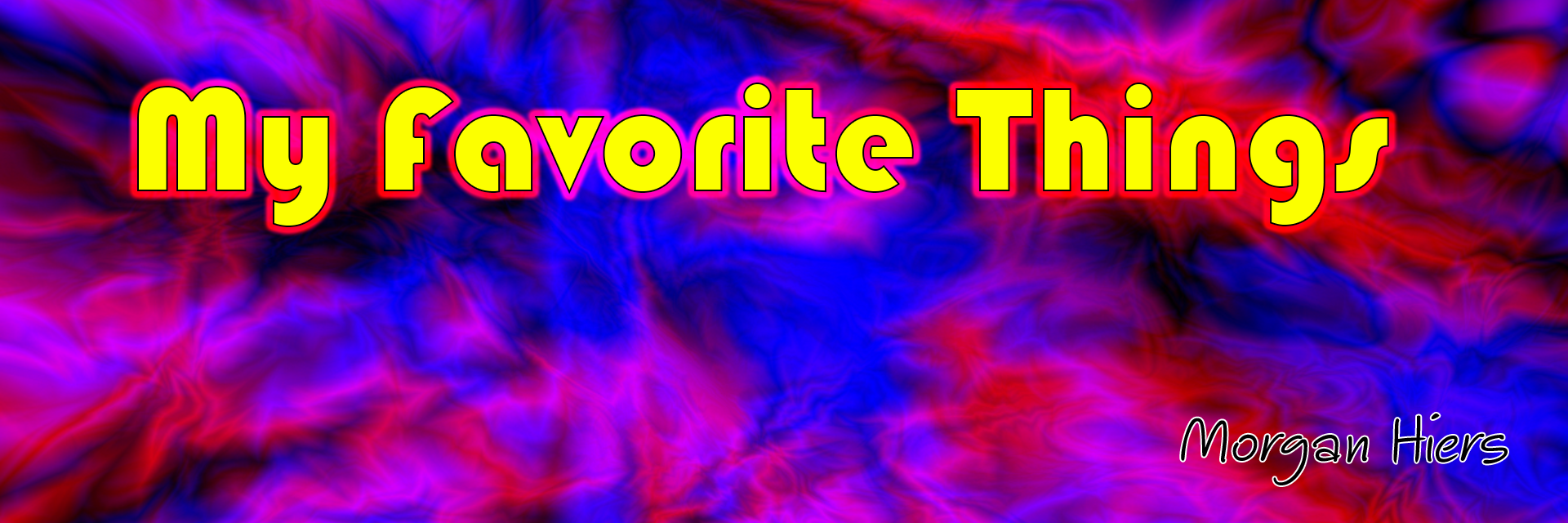
Here are some of the titles I made in photoshop:
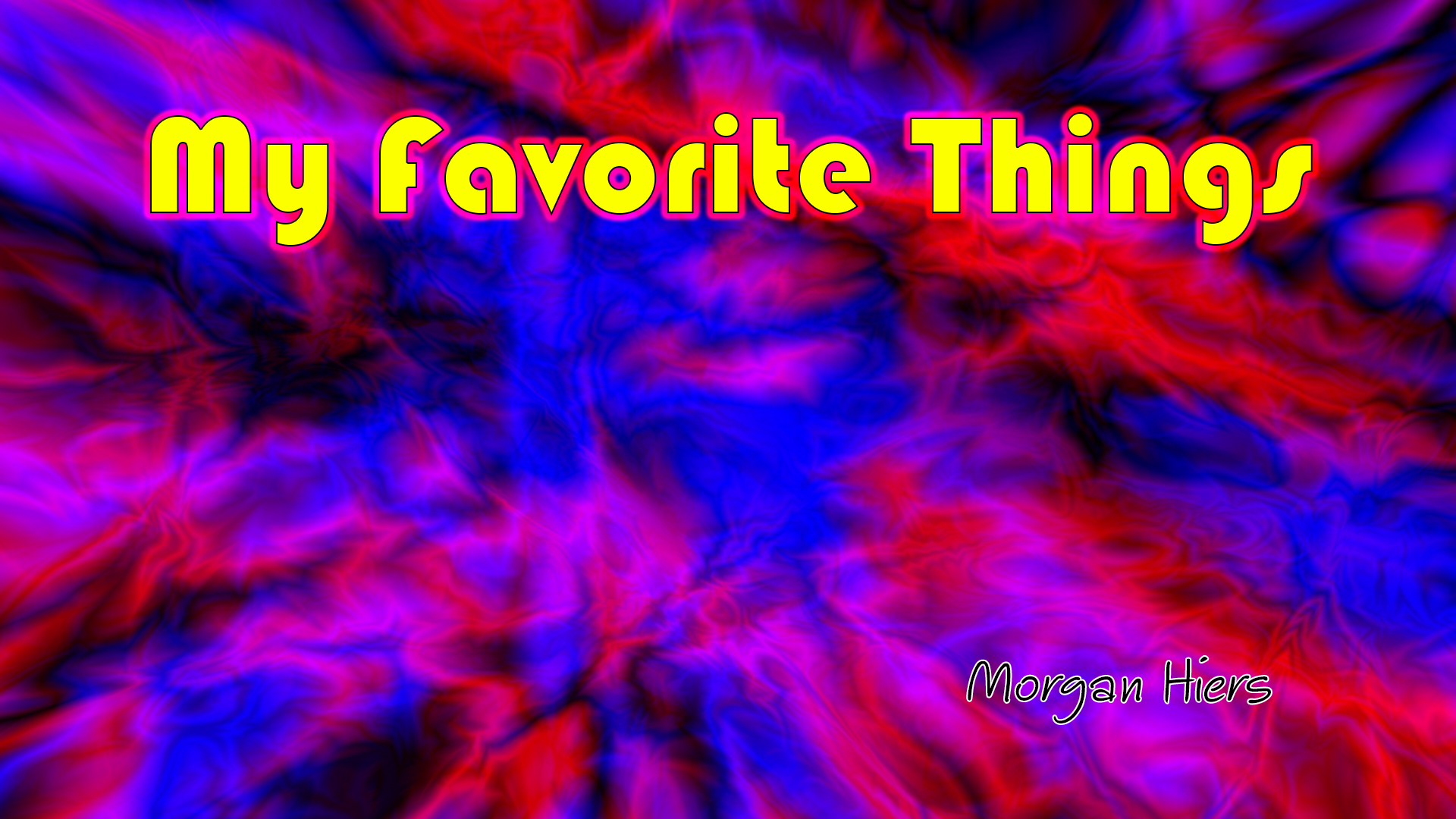
We learned how to make the text visible on any background using effects.

The different collors and the black strake make it pop out from the background.
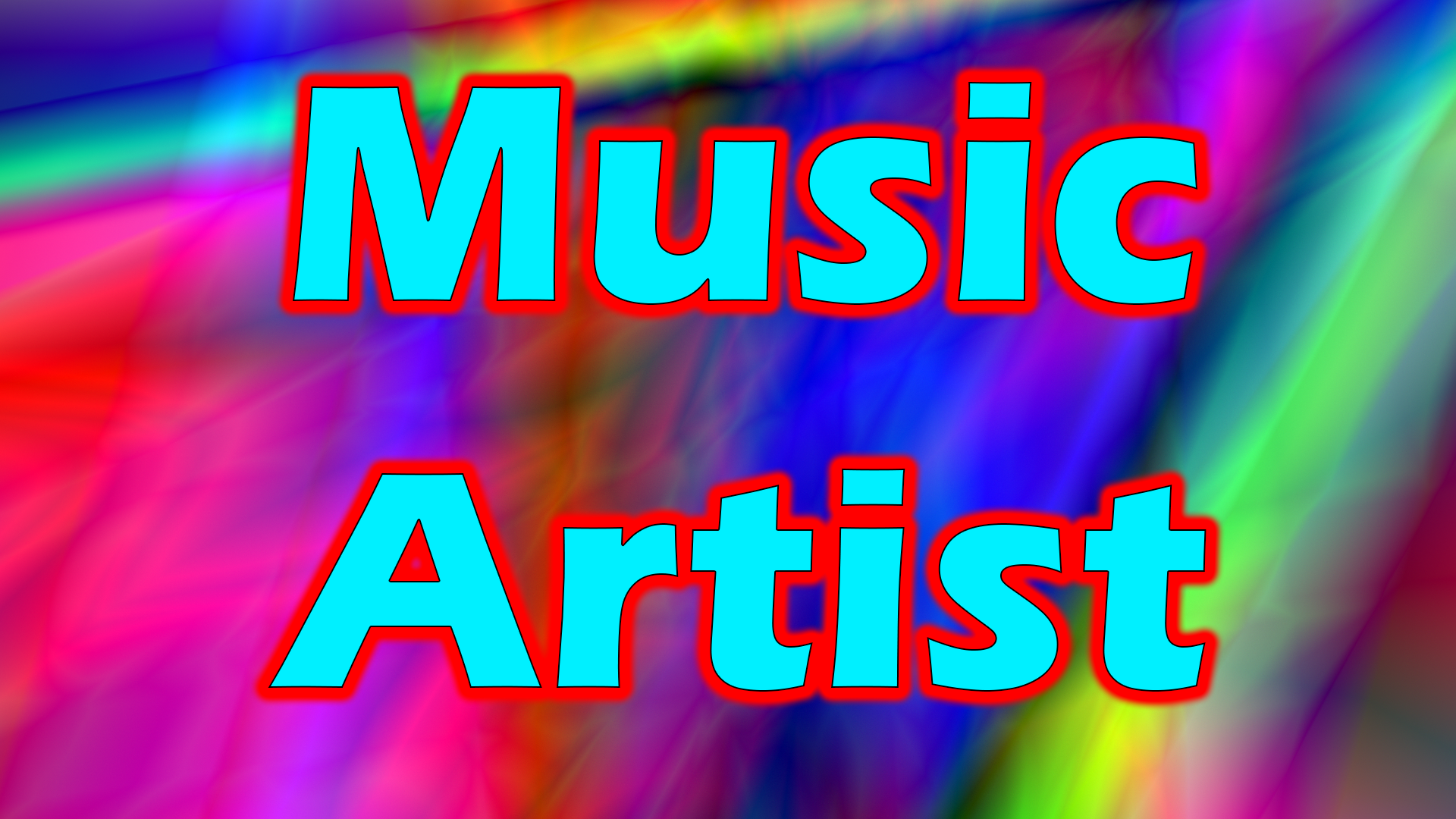
The different colored text and outer glow make it look seperate even if it had multiple different backgrounds.

Each image has its text styled differently and a different background to make it unique.
Sites & apps I used:
• Adobe Photoshop | Used for the backgrounds and the styled text.
• Google Images | Used to find images for the my favorite things video.
• Microsoft Word | Used orginizing all my 3 favorite things for each catagory and orginizing the links to all the images and putting reasons why they are our favorite things.
In Adobe Photoshop the effects I used for the text are outer glow, stroke, & bevel and emboss.
I found high quaility images by going to google, pressing images, pressing settings, advanced search, then setting image size to 8 megapixels and setting aspect ratio to wide and seaching.
The hardest part of this project was thinking of what I like in catagories I could find lots of images of.
I had to find alternates for each thing because some images may not be allowed or they might not be high quality.
Here are 9 images of my favorite things:
